Professional Selection Guide: NovaStar MX40 Pro vs COEX Series
NovaStar MX40 Pro, the flagship 4K independent controller in the COEX series, has proven its reliability in world-class events such as the Paris Olympic Games opening and closing ceremonies. It also provides comprehensive solutions for high-end applications like virtual production and film studios.
This guide will deeply analyze the core advantages of the MX40 Pro LED video processor and compare the features of different products in the COEX series. After reading, you’ll gain practical technical insights and purchasing recommendations.
1.What is the NovaStar MX40 Pro?
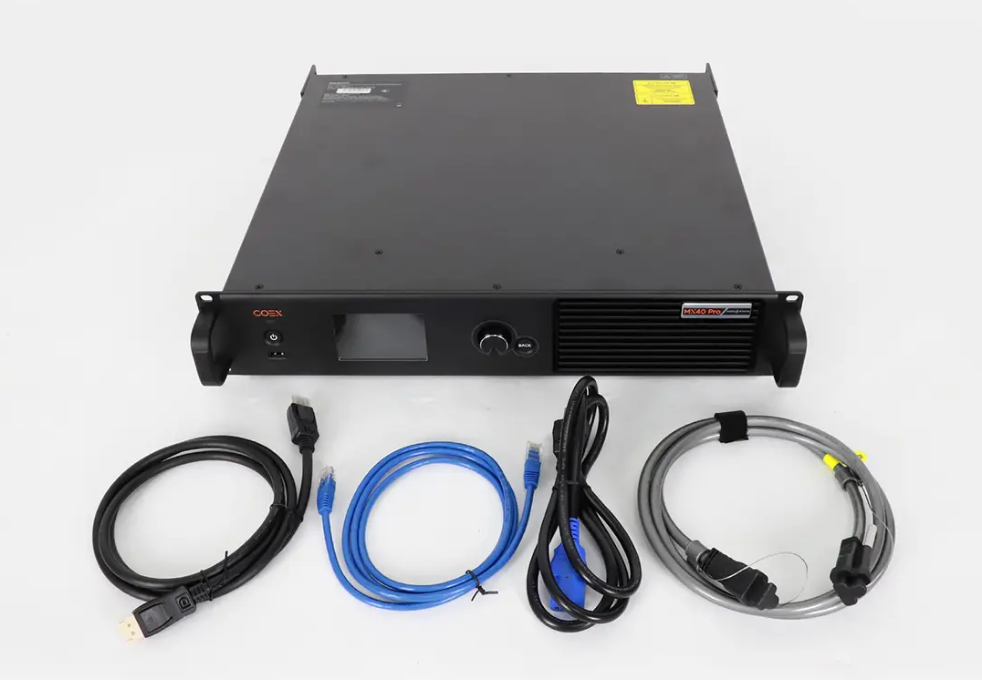
NovaStar MX40 Pro combines video processing and video control in one compact unit. Therefore, it is both an LED video processor and a video wall controller.
It supports up to 9 million pixels across 20 Ethernet ports and offers advanced functionalities such as HDR support, frame rate adaptability, and low-latency operation (as low as 0 frames). With inputs including HDMI 2.0, DP 1.2, and 12G-SDI, it caters to both standard and high-resolution video sources.
NovaStar MX40 Pro’s outstanding performance in real-world applications has earned it an excellent reputation among video wall controllers.
Tested in High-Profile Projects
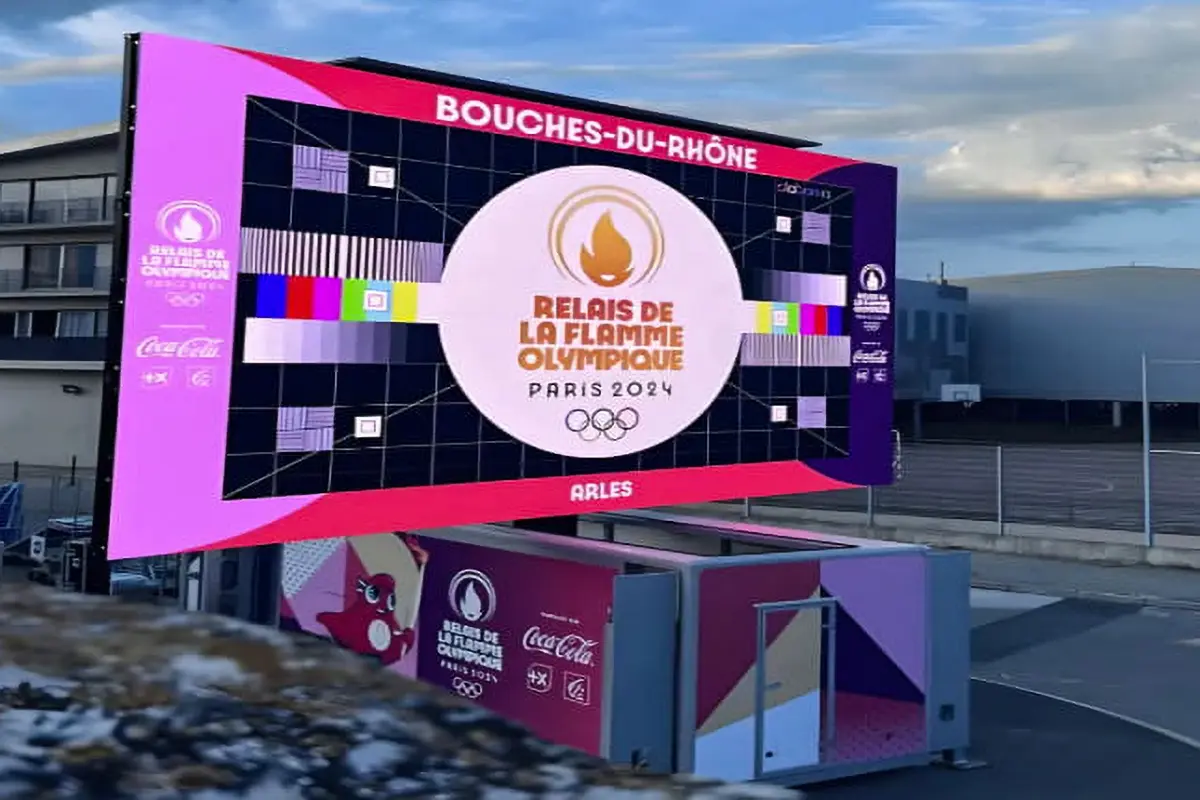
During the 2024 Paris Olympic Games opening and closing ceremonies, the MX40 Pro served as the core video wall controller, providing stable, ultra-high-definition video processing support for over 90% of the on-site displays. Its successful performance in such a high-pressure, demanding environment strongly proves its reliability.
Industry Recognition
MX40 Pro video wall controller has earned prestigious accolades, including the “CI Best Award” in North America and a spot on the final list for the European “AV Awards,” often referred to as the “Oscars of the AV industry.” These recognitions reflect the product’s exceptional design and performance, which have gained professional acclaim on an international scale.
Outstanding Video Processing Capabilities
With support for High Dynamic Range (HDR) and precise color management, the MX40 Pro delivers rich colors and detailed highlights and shadows. This is crucial for fields like virtual production and broadcasting, where achieving the highest visual quality is essential.
2.NovaStar MX40 Pro Price
Priced at approximately $5,833 USD, the MX40 Pro sits in the mid-to-high range of NovaStar’s offerings. While it may seem expensive compared to entry-level controllers, its robust feature set justifies the investment for professionals who demand top-tier performance.
For smaller projects or budgets, alternatives like the KU20 might be more suitable, but if your workflow involves complex layering, scaling, or multi-screen setups, the MX40 Pro delivers unmatched value.
| Model | Approximate Price (USD) | Key Features |
| NovaStar KU20 | $1,500 – $2,000 | 6 Ethernet ports, basic calibration |
| NovaStar CX40 Pro | $4,500 – $5,000 | 6x 5Gbps Ethernet, dynamic booster, HDR |
| NovaStar MX40 Pro | ~$5,833 | 20 Ethernet ports, full grayscale calibration, 3D LUT |
| NovaStar CX80 Pro | $7,000 – $8,000 | 16x 5Gbps Ethernet, dual input cards, 8K support |
| NovaStar MX6000 Pro | $10,000+ | Modular design, 32x 4K layers, 141M pixel capacity |
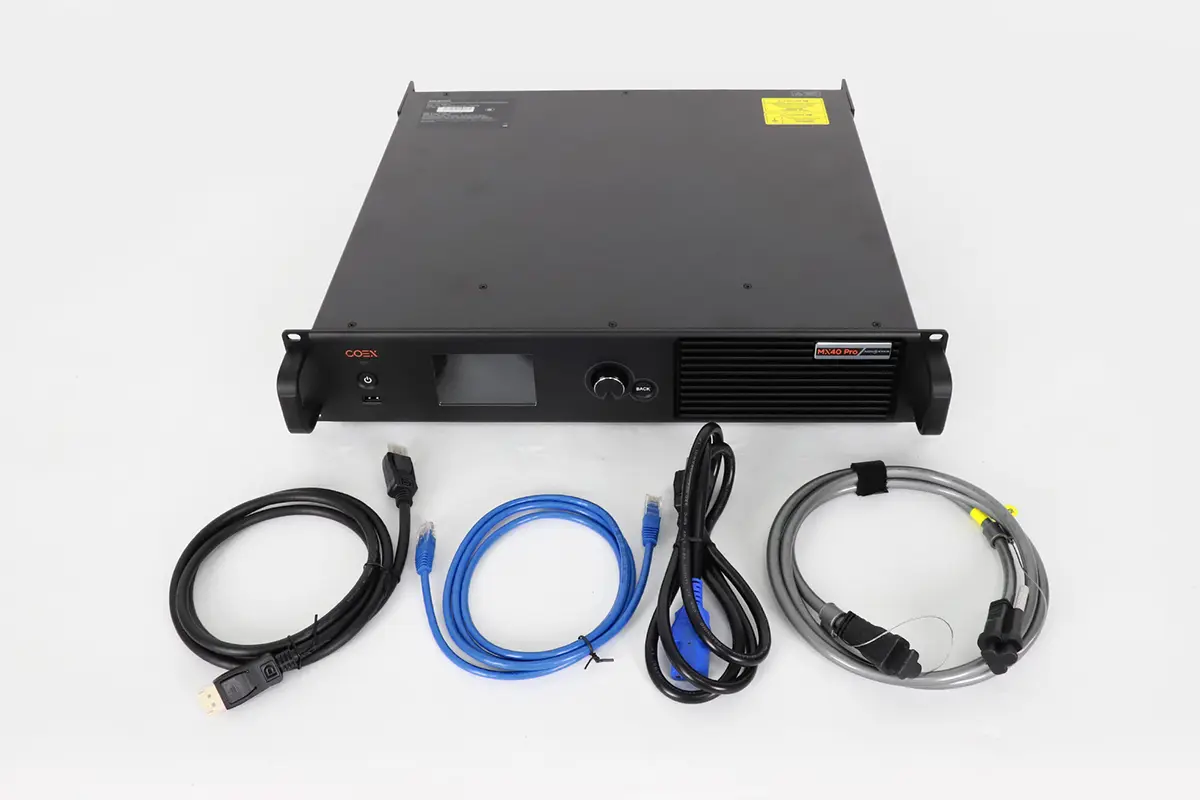
When evaluating the cost, consider what’s included in the package:
- MX40 Pro controller unit
- Power cord
- Ethernet cable
- HDMI cable
- DP cable
- Certificate of Approval
Compared to competitors in the same category, the MX40 Pro video wall controller offers superior value with its integrated design (no additional cards required), comprehensive feature set, and compatibility with NovaStar’s ecosystem. While entry-level controllers might start around $2,000-$3,000, they often lack the processing power, input options, and reliability of the MX40 Pro.
3.NovaStar MX40 Pro Function Analysis
| Core Function | Technical Features | Value |
| Image Processing | Industry-unique integrated solution for 4K@80Hz 10bit 4:4:4 • 22bit+ technology for 64x dynamic contrast improvement & 0.002nits precise control • Supports HDR10 and HLG standards |
Eliminates color compression for smooth gradients; Accurately presents details in the darkest and brightest areas, avoiding over-exposure or crushed blacks. |
| Color Management | • 14-color channel calibration (incl. B/W & RGB derivatives), independent adjustment of Hue, Saturation, Brightness • Supports 3D LUT file loading & curve adjustment • Input source color management, independent color grading per source |
Lossless replacement of specific colors to meet brand requirements; Achieves Hollywood-grade cinematic tones; Ensures color consistency across multiple inputs on the same LED screen. |
| Interfaces & System Load | • Rich input interfaces: 2x HDMI 2.0, 1x DP 1.2, 1x 12G-SDI • 20 Gigabit Ethernet ports + 4x 10G fiber optic output ports |
Compatible with broadcast cameras, high-end graphics cards, and other sources; Flexible setup for large-scale, long-distance complex display systems. |
| Sync & Frame Rate Tech | • Adaptive frame rate, support up to 240Hz+ • Precise synchronization with cameras, adapts to camera parameters |
Completely eliminates scan lines when filming the LED screen with high-speed cameras; Ensures smooth, tear-free visuals. |
| Energy Saving & Reliability | • Dynamic energy saving, reduces power consumption by approx. 20%-40% | Effectively lowers screen temperature, extending LED panel lifespan; Suitable for high-frequency plug/unplug environments (e.g., broadcast vans, rental), ensuring more stable connections. |
4.Solution:When Do You Need the MX40 Pro?
Virtual Production and xR Projects with Cinematic Quality
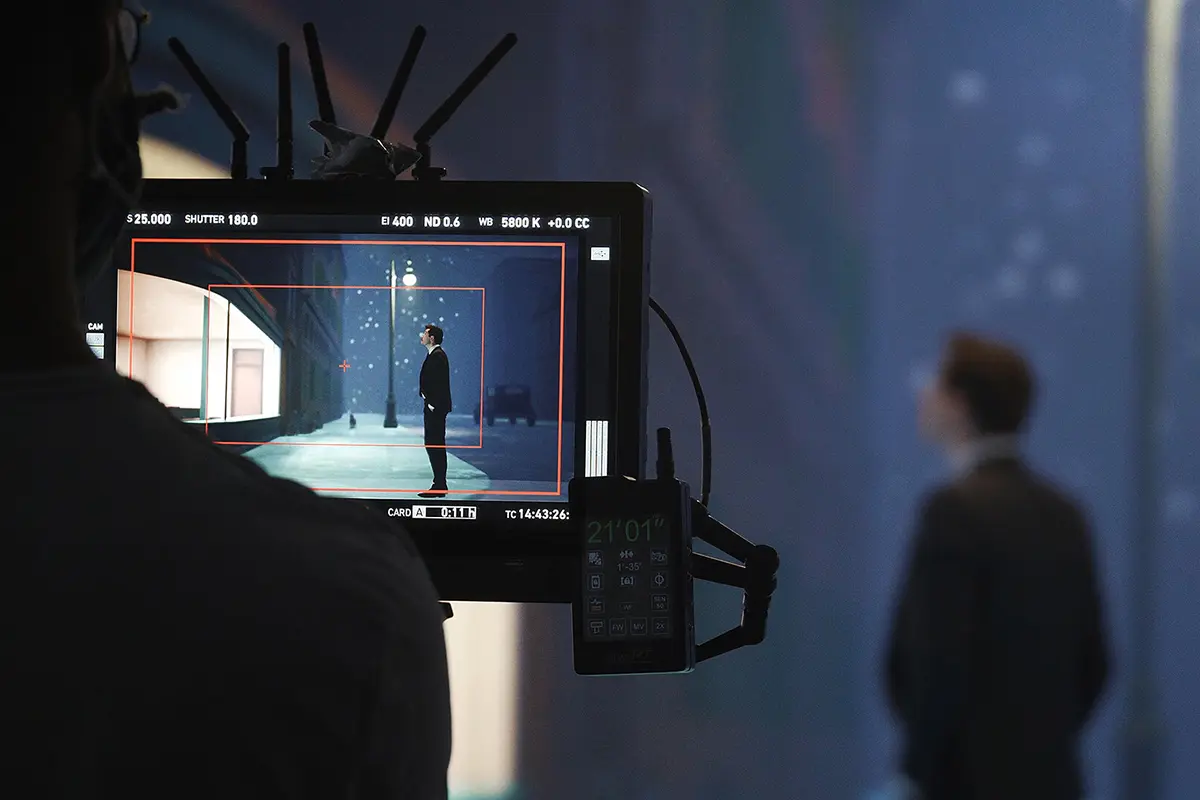
If your project involves xR virtual production, virtual stages, or film studios, the novastar MX40 Pro’s 4K 10-bit 4:4:4 uncompressed color, precise 3D LUT color management, and synchronization with cameras to eliminate scan lines are essential for ensuring the final image is realistic and flawless.
Large-Scale Events and Broadcast-Quality Live Streaming
In high-profile events like the Olympic Games opening and closing ceremonies, major concerts, and important sports broadcasts, system reliability and signal compatibility are critical. The MX40 Pro’s wide range of broadcast-grade inputs (such as 12G-SDI), powerful signal processing capabilities, and proven performance in top-tier events like the Paris Olympics provide a solid foundation for seamless operation.
Commercial Projects with Strict Color Consistency and Image Quality Requirements
For high-end brand showrooms, touring advertisements, and professional color grading environments, the MX40 Pro’s 14-channel color calibration feature ensures accurate brand color reproduction. Its outstanding ability to handle both low and high brightness details enhances the overall visual experience, giving your displays a premium, refined look.
Rental Market and Complex Custom-Shaped Screen Projects
For rental providers, equipment must be adaptable to various customer needs. Novastar MX40 Pro combines video processing and control in one unit, working with intuitive VMP software for quick and flexible screen configuration. Whether it’s a standard large screen or a complex custom-shaped display, the MX40 Pro ensures fast deployment and improved operational efficiency.
5.MX40 Pro vs. CX80 Pro vs. CX40 Pro vs. KU20 vs. MX6000 Pro
| Feature | MX40 Pro | CX80 Pro | CX40 Pro | KU20 | MX6000 Pro |
| Form Factor | 2U | 2U | 2U | 0.5U | 6U |
| Max Resolution | 4K | 8K | 4K | 2K | 8K |
| Max Load Capacity | 9 million pixels | 35.4 million pixels | 9 million pixels | 3.9 million pixels | 141 million pixels |
| Input Options | Fixed: 3x HDMI, 1x DP, 1x SDI | Modular: 8K or 4K cards | Fixed: 2x HDMI, 1x DP, 2x SDI | Fixed: 1x HDMI | Modular: up to 8 input cards |
| Output Bandwidth | 1G (per port) | 5G (per port) | 5G (per port) | 1G (per port) | 1G or 5G (configurable) |
| Max Ethernet Ports | 20 | 16 | 6 | 6 | Up to 320 |
| Layers | 4 | N/A | 3 | N/A | 32 |
| HDR Support | Yes | Yes | Yes | No | Yes |
| 3D LUT Support | Yes | Yes | Yes | No | Yes |
| Latency | 0-frame (Send-Only) | 0-frame (Send-Only) | 0-frame (Send-Only) | 0-frame | 0-frame |
| Best For | Medium installations, broadcast | Large 8K installations | Medium installations with 5G | Small installations | Massive displays, modular flexibility |
6.NovaStar MX40 Pro Specifications and Manual download
7.Conclusion
Before making a purchase, evaluate your specific needs—resolution requirements, budget constraints, and future expansion plans—to determine whether the MX40 Pro aligns with your goals. With its blend of cutting-edge technology and user-friendly design, the MX40 Pro continues to set the benchmark for professional LED display controllers.