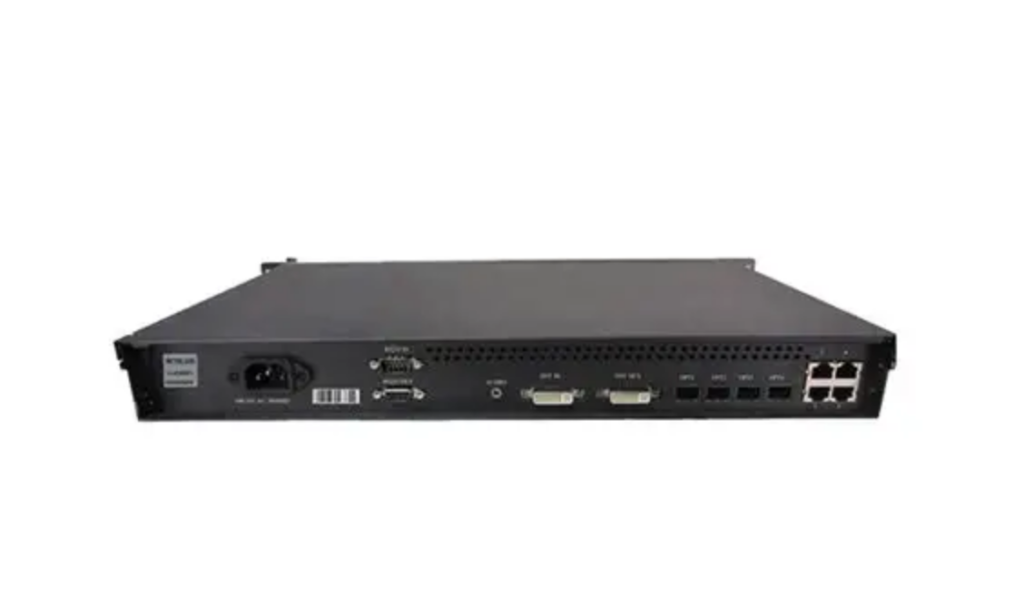
Novastar MCTRL500 Standalone Controller: A Comprehensive Analysis of Core Technologies
Novastar MCTRL500 is a standout in the world of LED display controllers, offering robust performance for both rental and fixed installations. Whether you’re managing live events, concerts, or sports arenas, this controller delivers exceptional image quality and operational reliability. In this article, we’ll break down everything you need to know about the Novastar MCTRL500 Independent Controller, from its key features to setup instructions, pricing, and how it compares to its sibling, the MCTRL600.
1. What Is the Novastar MCTRL500 Independent Controller?
Novastar MCTRL500 is an advanced LED display controller developed by Xi’an NovaStar Tech Co., Ltd. Designed for high-performance applications, it supports resolutions up to 1920×1200@60Hz and offers versatile connectivity options. As a standalone controller, it processes video and audio signals from a source and sends them to LED display panels via Ethernet or fiber optic outputs.
Key highlights include:
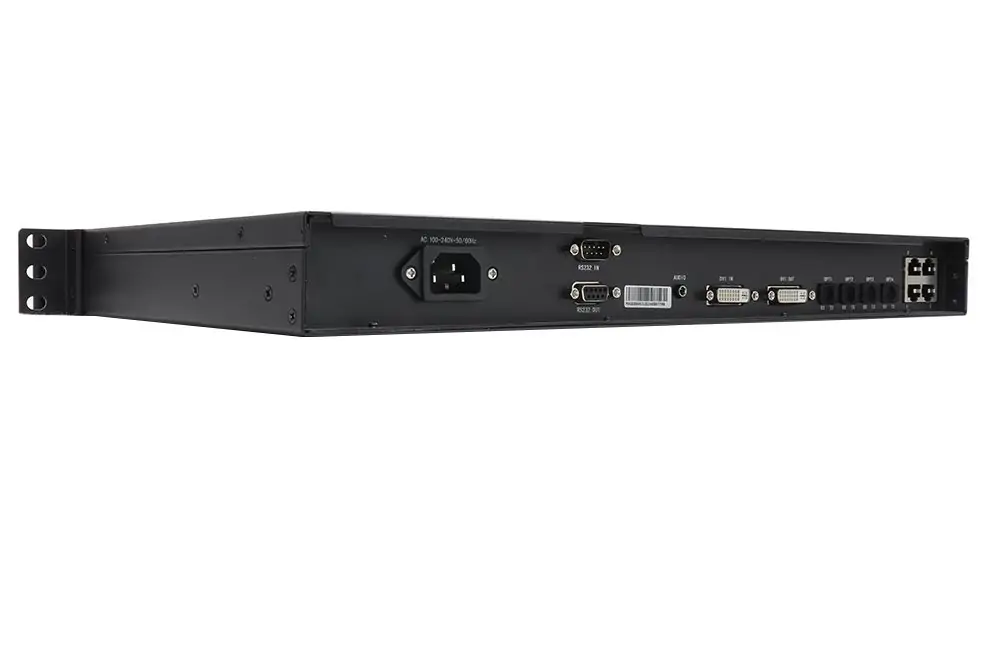
- 1x SL-DVI inputfor video sources.
- 1x audio inputfor seamless audio integration.
- 4x Gigabit Ethernet outputsand 4x 1.25G optical outputs for flexible data transmission.
- Pixel-level brightness and chroma calibrationfor superior image consistency.
NovaStar MCTRL500 Controller Box is ideal for environments like concerts, security monitoring centers, and sports venues, where reliable performance and high-quality visuals are critical. It’s also certified with global standards such as FCC, CE, EAC, IC, and PFOS, ensuring compliance with international regulations.
2. Key Features of the MCTRL500 Controller
The MCTRL500 Controller Features make it a top choice for professionals seeking efficiency and precision. Below, we explore its standout capabilities:
2.1 Input and Output Flexibility
- Inputs: The controller supports 1x SL-DVIand 1x AUDIO input, accommodating custom resolutions up to 3840×600@60Hz (width) or 800×2560@60Hz (height).
- Outputs: With 4x RJ45 Gigabit Ethernet portsand 4x 1.25G optical ports, the MCTRL500 ensures smooth data transmission. Each Ethernet port can handle up to 650,000 pixels, while the optical ports support single-mode and dual-mode fibers for extended distances.
2.2 Redundancy and Reliability
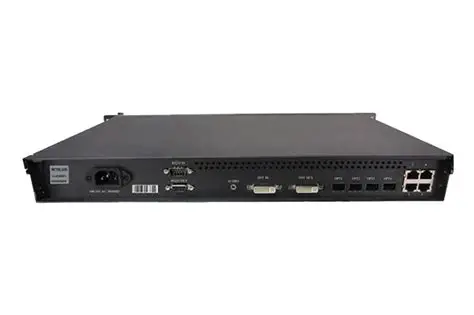
- Ethernet Port Redundancy: If one Ethernet connection fails, the system automatically switches to a backup port, minimizing downtime.
- RS232 Control Ports: These allow cascading multiple devices for integrated control, making it easier to manage large-scale installations.
2.3 Advanced Calibration Technology
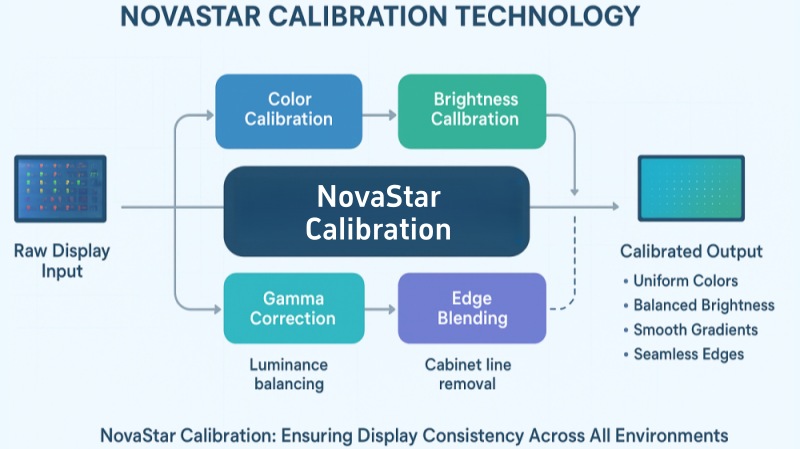
One of the most impressive features of the Novastar MCTRL500 LED Screen Controller is its ability to perform pixel-level brightness and chroma calibration. By working with NovaStar’s calibration software, users can eliminate color inconsistencies and achieve uniform brightness across the display. This feature is particularly valuable for high-end applications like sports broadcasts and live performances.
2.4 Monitoring and Diagnostics
The controller includes an input monitoring function, which helps ensure stable operation during live events. Additionally, front-panel indicators provide real-time status updates, such as power supply, video source availability, and Ethernet redundancy activation.
3. Novastar MCTRL500 vs MCTRL600 LED Screen Controller
When comparing the Novastar MCTRL500 vs MCTRL600, it’s essential to understand their similarities and differences to determine which model suits your needs.
3.1 Similarities
- Support for resolutions up to 1920×1200@60Hz.
- Compatibility with NovaStar’s calibration technology for enhanced image quality.
- Versatile connectivity options, including Ethernet and optical outputs.
3.2 Differences
- Performance: The MCTRL600is designed for larger displays, supporting higher pixel loads compared to the MCTRL500.
- Price: The MCTRL500is more cost-effective, making it ideal for smaller projects or budget-conscious buyers.
- Use Cases: While the MCTRL500 excels in rental and fixed installations, the MCTRL600 is better suited for ultra-large LED screens, such as those used in stadiums or outdoor advertising.
Ultimately, the choice depends on the scale of your project and your budget. For most applications, the Novastar MCTRL500 strikes an excellent balance between performance and affordability.
4. How to Set Up the Novastar MCTRL500 Independent Controller?
Setting up the Novastar MCTRL500 is straightforward, thanks to its user-friendly design and comprehensive documentation. Follow these steps to get started:
Step 1: Hardware Connections
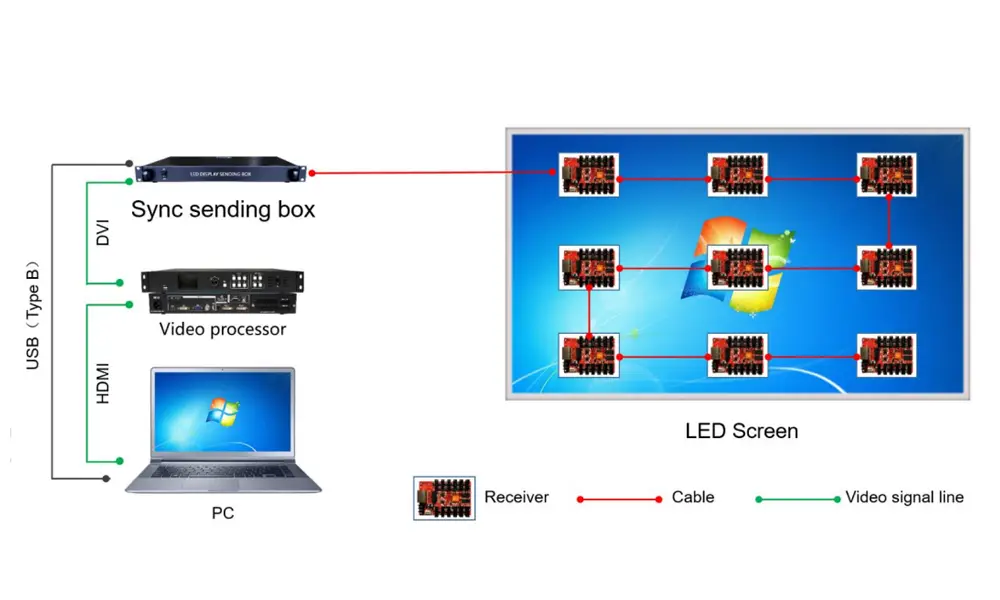
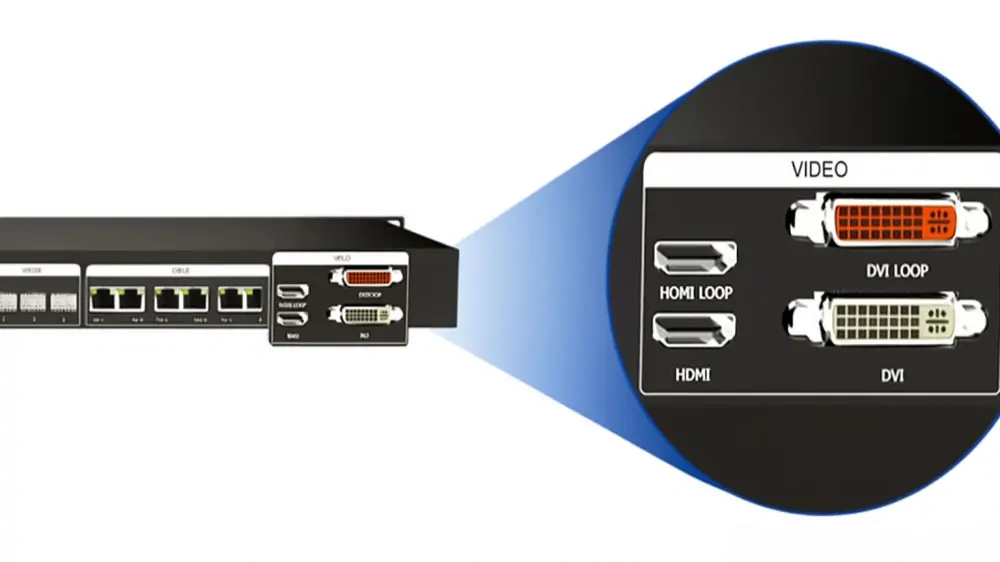
- Connect the DVI input to your video source (e.g., PC or media player).
- Plug the audio inputif sound integration is required.
- Link the Ethernet portsto your LED display’s receiving cards. Alternatively, use the optical ports for long-distance data transmission.
- Use the RS232 portsto cascade multiple controllers if needed.
Step 2: Power On and Configuration
- Power on the device using the included AC adapter (supports 100V-240V~50/60Hz).
- Connect the controller to your PC via the USB port to configure settings.
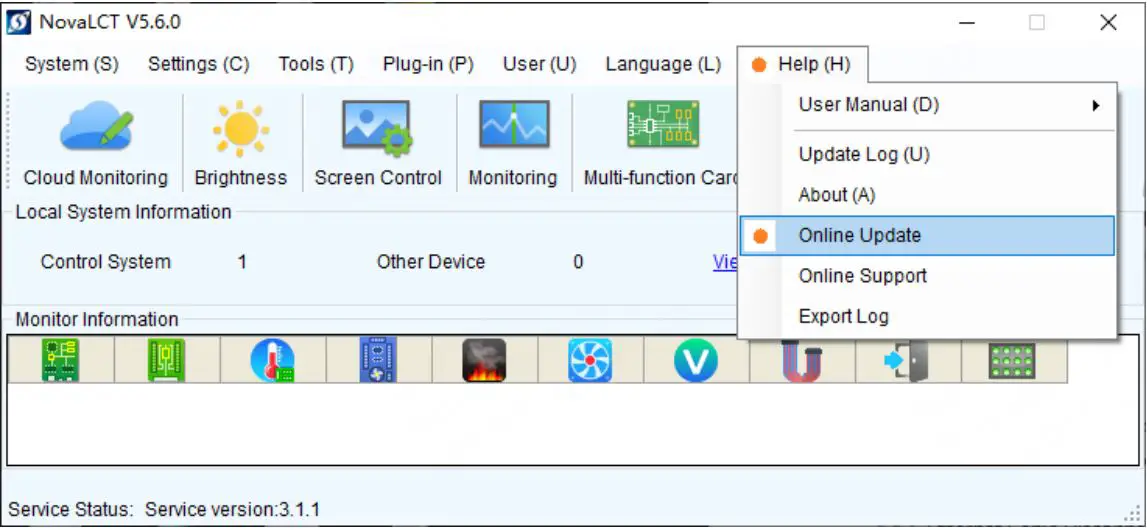
- Use NovaStar’s software to adjust resolution, brightness, and calibration parameters.
Step 3: Testing and Calibration
- Verify that the front-panel indicators show normal operation (e.g., green DVI light for video input).
- Perform pixel-level calibration to optimize image quality.
- Test the system with sample content to ensure smooth performance.
With proper setup, the Novastar MCTRL500 Setup process is quick and hassle-free, allowing you to focus on delivering stunning visuals.
5. Novastar MCTRL500 LED Screen Controller Price & Value
The Novastar MCTRL500 LED Screen Controller Price varies depending on the retailer and whether the unit is new or used. On average, the controller is priced competitively, making it an attractive option for businesses seeking high performance without breaking the bank.
Why Choose the MCTRL500?
- Cost-Effectiveness: Compared to higher-end models like the MCTRL600, the MCTRL500 offers excellent value for its price.
- Versatility: Suitable for a wide range of applications, from small-scale events to large installations.
- Reliability: Backed by NovaStar’s reputation for quality and supported by global certifications.
For those looking to maximize ROI, the Novastar MCTRL500 is a smart investment that delivers professional-grade results.
6. Conclusion
The Novastar MCTRL500 Independent Controller is a powerful and versatile solution for LED display management. With its robust feature set, including MCTRL500 Ethernet Ports, advanced calibration technology, and user-friendly setup process, it’s an excellent choice for professionals in the rental and fixed installation markets.
Whether you’re comparing the Novastar MCTRL500 vs MCTRL600 or evaluating its value proposition, the MCTRL500 consistently proves itself as a reliable and cost-effective option. Invest in the NovaStar MCTRL500 Controller Box today, and elevate your LED display projects to the next level!