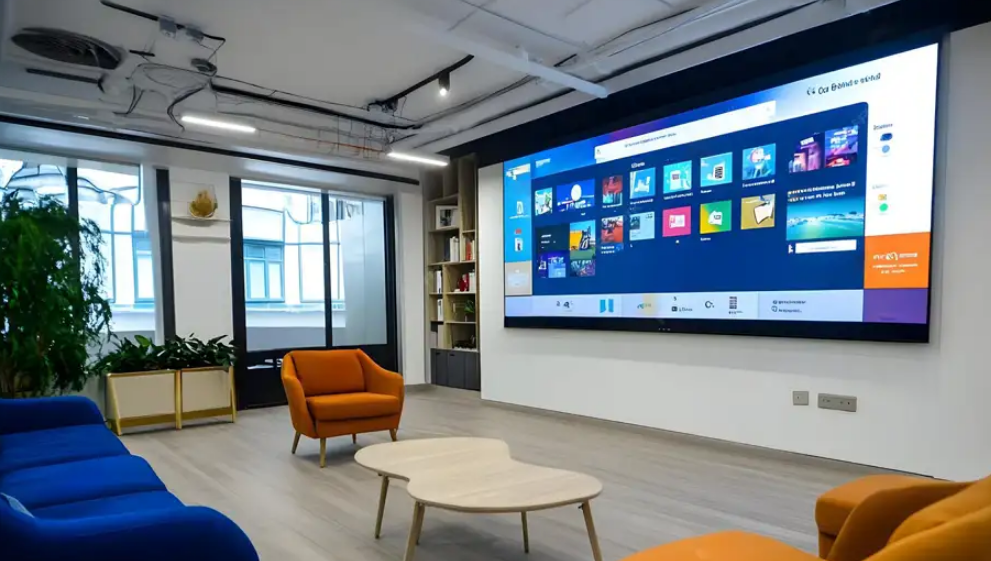
Factors in Air Conditioner Placement for Optimal LED Screen Performance
LED screens are widely used in meeting rooms, commercial spaces, KTV venues, and control centers. However, many users encounter unexpected issues after installation—such as dead pixels, “caterpillar-like” lines, condensation, or repeated LED failures in the same area.
One overlooked but critical factor behind these problems is the positioning of air conditioners around the LED display.
This article explains why HVAC placement matters, how improper airflow causes LED failures, and what preventive measures you should take to protect your LED display.

Why Air Conditioner Placement Matters for LED Screens
LED displays are sensitive electronic systems composed of lamp beads, driver ICs, PCBs, and power supplies. Abrupt temperature changes, humidity fluctuations, or direct airflow can compromise the stability of these components.
Below are common real-world issues caused by improper AC positioning.
1. Condensation on LED Panels Due to Temperature Differences
Some users report that their indoor LED screen develops a visible layer of “moisture film” after months of operation, eventually causing:
- dead pixels
- short circuits
- “caterpillar” lines (rows or columns of failed LEDs)
Why does condensation happen?
A typical scenario is:
- The LED screen is installed in a conference room.
- Behind the screen is a cabinet-style air conditioner or central HVAC unit.
- The AC systems are not turned on or off at the same time.
- The temperature difference behind and in front of the screen exceeds 10°C.
- The room’s relative humidity rises close to or above 75%.
This environment naturally creates conditions for condensation—similar to fog forming on a car window in winter.
How to prevent condensation
- Ensure all AC units run synchronously (on/off at the same time).
- Keep humidity below 75% using dehumidifiers.
- Avoid large temperature fluctuations around the screen.
- Ensure the backside of the LED screen has balanced airflow and ventilation.

2. Repeated LED Failures Caused by Improper Grounding
Some LED screens—especially in dry northern regions—experience widespread dead pixels and caterpillar-like failures over time.
Root cause
Maintenance teams often discover:
- vibration on the LED modules
- burnt LED lamp beads
- extremely high current damage
The underlying issue is leakage current from the power supply. According to 3C safety standards, AC power modules include EMI filtering circuits connecting live wire and ground. When the LED display is not grounded, leakage current accumulates and discharges directly through:
- LED driver ICs
- LED lamp beads
This causes short-circuit damage and leads to chain failures.
Solution
- Ensure the LED display system is properly grounded.
- Regularly check grounding continuity in old buildings or retrofitted rooms.
- Use compliant power supplies with certified EMI filtering.

3. “Comet Tail” Effects Caused by Liquid Spills
Screens installed in KTVs, bars, or entertainment venues often show visual anomalies such as:
- comet tail streaks
- irregular color patches
- lines resembling smudges or scratches
Reason
Guests may accidentally splash beverages such as:
- alcohol
- milk
- juice
- soda
Cleaning staff may then wipe the screen directly using regular water or cleaning agents.
However, any conductive liquid entering the LED mask can cause partial short circuits.
Proper cleanup procedure
If the LED screen is contaminated:
- Power off immediately.
- Use specialized LED screen cleaning fluid.
- Avoid spraying liquid directly onto the screen.
- Allow the screen to dry completely before powering it on again.

4. Frequent LED Failures Near Air Conditioner Outlets
Another common issue occurs when users notice the same upper-right or upper-left corner of a screen repeatedly experiencing:
- dead pixels
- caterpillar lines
- systemic LED failures
Cause
An AC outlet is positioned too close to the display, blowing cold air directly onto one area.
Continuous cold airflow causes:
- thermal stress on LED chips
- localized condensation
- temperature shock
- unstable solder joints
Preventive Measures
- Never place AC outlets directly facing the LED screen.
- Avoid close-distance airflow hitting any single part of the display.
- Redesign the HVAC layout if persistent issues occur.

Conclusion
The location and operation of air conditioners have a direct and significant impact on the lifespan and performance of LED screens. Temperature differences, humidity, improper grounding, and direct airflow all contribute to visible and long-term damage.
By ensuring proper HVAC placement, maintaining appropriate humidity, grounding the system, and following safe cleaning procedures, users can greatly reduce failures and extend the operational life of their LED displays.