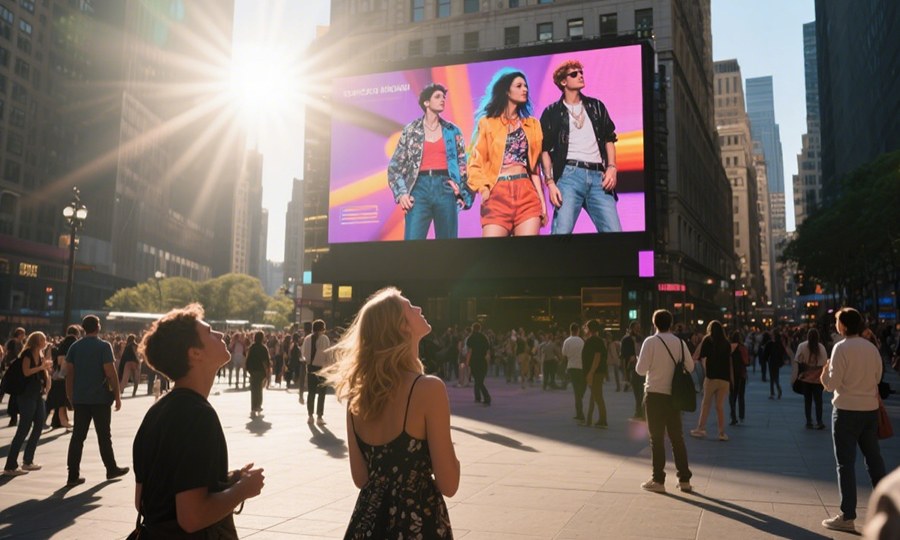
Common problems and solutions for LED display screens
Every day, LED displays power signage, retail walls, corporate screens, stadium visuals, and event backdrops worldwide. Despite their popularity and strong performance, many operators struggle when problems arise. Too often, users and buyers see errors, performance drops, or downtime and assume the technology is unreliable.
In reality, most LED display issues are predictable and solvable. They stem from installation, environmental conditions, power systems, signal management, or maintenance gaps — not inherent faults in LED technology.
This guide explains the most common LED display issues and how to solve them. You will gain practical insights to troubleshoot problems, optimize performance, and extend system lifespan, whether you are a B2B buyer, installer, or operator.
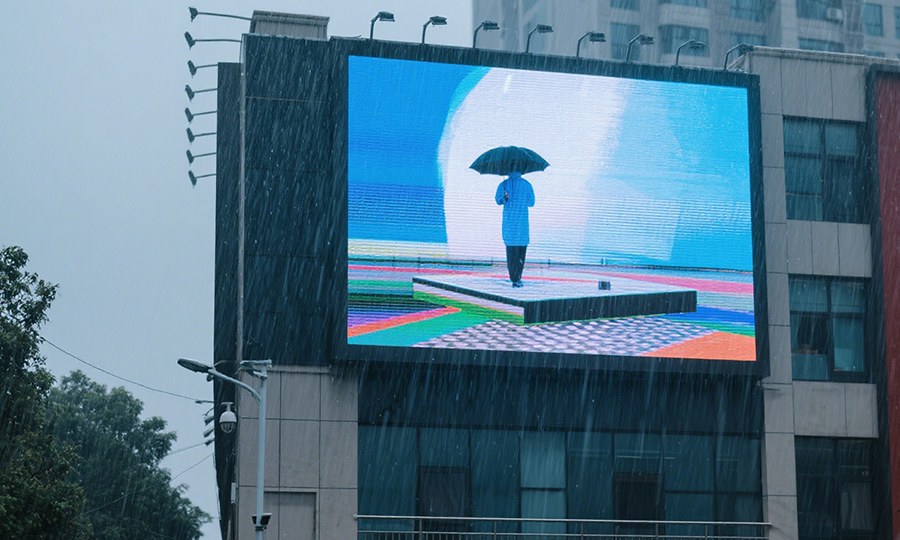
1. LED Display Not Turning On
When an LED display fails to power up, the cause is usually electrical or signal related.
Common Causes
- No power supply
- Loose power cables
- Blown fuses
- Faulty power distribution units (PDUs)
Solutions
First, verify the power source. Check breakers and fuses, ensuring power reaches the display cabinet. Next, inspect cable integrity and connectors.
If the display uses multiple power feeds, test each feed independently. Sometimes one power rail fails but others remain operational.
Tip: Use a multimeter to confirm voltage at key points. This simple tool helps isolate power faults quickly.
2. Flickering or Flashing Screens
Flicker usually signals timing, synchronization, or grounding issues.
Typical Causes
- Incorrect refresh rate settings
- Poor grounding or earth loop
- Weak power supply stability
- Loose signal cables
How to Fix It
Start with refresh settings in the display controller or sending card. Setting a higher refresh rate — appropriate for your installation — often eliminates visible flicker.
Ensure solid grounding; a proper earth connection stabilizes electrical noise. Finally, replace damaged or low-quality signal cables with shielded types, ensuring firm locking connectors.
Note: Capturing a video of the flicker under different lighting conditions helps technicians diagnose the exact trigger.
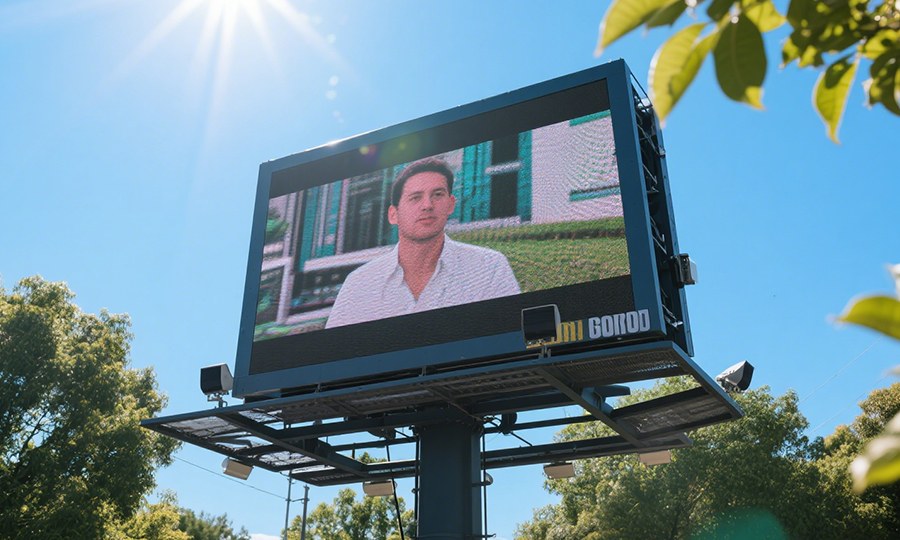
3. Uneven Brightness Across the Screen
Uneven brightness indicates power imbalance, ageing components, or calibration drift.
Root Causes
- Inconsistent power distribution
- LED module age variance
- Inadequate calibration or CMS settings
Fixes That Work
Balance power feeds by checking voltage levels across cabinets. If modules show aging or irregular brightness, schedule module replacements.
Advanced LED controllers include brightness calibration tools. Use such tools to normalize luminance across the entire display.
Industry tip: Periodic calibration — monthly for high-usage displays — prevents gradual brightness drift.
4. Color Inconsistencies and Color Shift
Color shift undermines image quality and brand visuals.
Typical Causes
- Module manufacturing tolerances
- Temperature variances
- Incorrect color profiles
Solutions
Professional LED systems use a color management system (CMS) to harmonize colors across modules. Adjust color profiles based on environmental conditions.
For large installations, perform temperature-based color correction. Heat affects LED characteristics, so dynamic compensation helps ensure consistent color under varying thermal loads.
Authority: Modern LED displays often use standardized gamuts like DCI-P3 for broader color coverage.
5. Mosaic or Grid-Like Lines Appearing
Strange lines usually point to synchronization or signal timing mismatches.
Causes
- Mismatched sending/receiving card frequencies
- Incorrect scan settings
- Faulty data transmission
Diagnosis and Resolution
Check that sending and receiving cards operate at the same refresh and scan settings. Improper configuration causes artifacting.
Also examine data cables for defects. Replacing bad cables with high-quality shielded versions often resolves line artifacts.
Pro tip: Run a loop test on your sending hardware; if artifacts disappear, the issue often lies in signal transmission rather than the display itself.
6. Image Persistence or Ghosting
Ghosting typically appears where moving objects leave trails behind them.
Common Triggers
- Low refresh rate under motion content
- Poor grayscale handling
- Inadequate driver method
Approach to Cure
Increase the refresh rate and use advanced driver methods like PWM + PAM hybrid. These techniques improve grayscale accuracy and motion response.
Selecting an optimal refresh rate depends on content type and camera capture settings, especially in professional or broadcast environments.
7. Dead or Stuck Pixels
Single pixels that never light or always stay on indicate component failure.
Causes
- LED chip anaomalies
- Module wear or impact damage
Fix Strategy
Replace affected LED modules rather than attempting individual pixel fixes. Modern LED systems are modular by design, enabling quick module replacement.
Use a pixel mapping tool to identify and log problematic pixels. Preparing a replacement module stock accelerates on-site service.
8. Overheating and Thermal Shutdown
High ambient temperature or poor thermal design triggers protective shutdowns.
Why It Happens
- Limited airflow
- Excessive brightness settings
- Poor heat sinking
Solutions
Improve airflow with ventilation, fans, or strategic cutouts. Reduce brightness during hotter periods or use temperature-based brightness control.
Modern LED controllers often include thermal sensors to adjust drive levels based on temperature, extending lifespan and reducing hot spots.
9. Water Ingress and Moisture Issues
Outdoor installations face moisture and water exposure.
Likely Causes
- Poor IP rating choice
- Missing seals
- Condensation
How to Address
Use IP-rated displays appropriate for your environment. IP65 or higher is standard for outdoor use. Implement proper sealing, guttering, and HVAC to minimize water and moisture entry.
Reference: IP rating standards and guidelines.
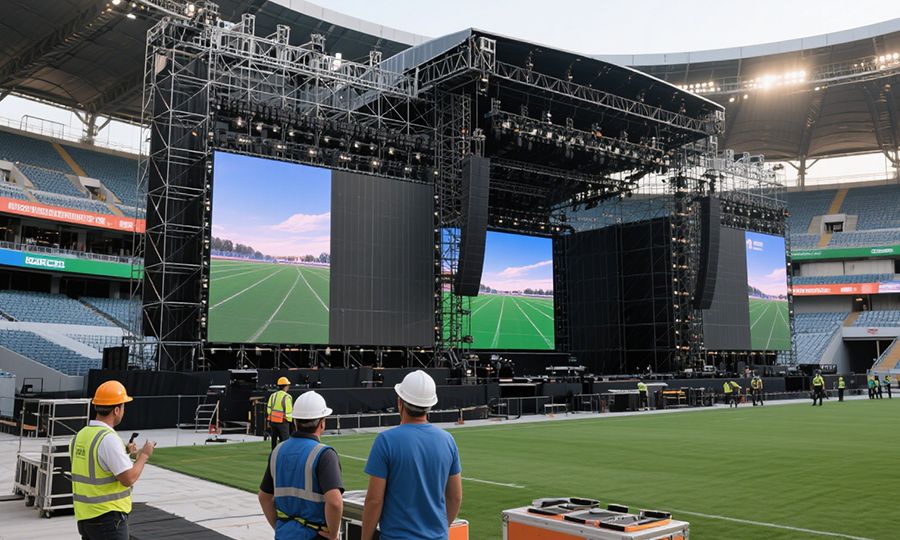
10. Signal Interference and Noise
Signal corruption degrades image quality and synchronization.
Potential Sources
- Nearby electrical noise
- Poor shielding
- Long unamplified signal runs
Mitigation Tactics
Use shielded twisted pair (STP) or fiber optic cables for long runs. Keep signal cables away from power cables.
Install surge protection and ferrite cores where noise is suspected. Professional installations pre-route cables to avoid electrical contamination.
11. Software and Content Management Issues
Problems like stuck content, scheduling errors, or failed playback often stem from CMS or file issues.
Typical Errors
- Incorrect playlist scheduling
- Unsupported codecs
- Corrupt media files
Fixes
Update CMS software and firmware regularly. Standardize media formats and resolution settings.
Train operators on content workflows. Many issues arise from unaware operators rather than technology faults.
12. Poor Content Quality and Viewer Engagement
Sometimes the “problem” is not the screen — it’s the content.
Symptoms
- Audience disengagement
- Blurry or unreadable text
- Flickering elements
Best Practices
Match content resolution to pixel pitch. Use high-contrast design for legibility. Consider animation and motion principles that attract attention rather than confuse.
Engagement studies show dynamic visuals increase viewer attention compared to static content.
Troubleshooting Workflow (Step by Step)
- Identify the symptom — visual, electrical, or performance
- Segregate power vs signal issues
- Use diagnostic tools — multimeter, CMS logs, test patterns
- Isolate components — cabinet, board, module, controller
- Apply targeted fix
- Verify full display stability
A methodical flow reduces wasted labor and speeds up restoration.
When to Contact Professional Support
If issues persist after basic checks:
- Multiple panels fail simultaneously
- Power system instability
- Complex synchronization errors
Professional LED technicians bring advanced tools and experience. They can audit the entire system and suggest long-term corrective actions.
Conclusion
LED display issues are rarely mysterious. With a structured approach, most problems — from flickering screens to color drift, dead pixels to moisture challenges — have systematic solutions. Understanding these common issues and their fixes empowers operators to maintain high performance and uptime.